- Exercise
choice - Sets
number - Reps
number - Weight
weight - RPE
number - Volume
= sets × reps × weight - Est. 1RM
= weight × (1 + reps ÷ 30)
Works with Claude, ChatGPT and other MCP apps
Keep track of anything by telling your AI.
Tell Claude, ChatGPT or another AI assistant what you ate, spent, lifted or read. It saves each entry in your own tables, and you get charts and totals for all of it. When you ask about last week, it looks up what you actually saved.
Add this URL where your assistant asks for a connector or MCP server, then sign in to MCP Cubby. Some apps, like the Codex app and Claude Code, wait for you to start the sign-in. Steps for each app
How it works
Say it. It’s filed.
- Connect once. Add the address above to Claude, ChatGPT or any app that supports MCP, then tap Start instantly. No sign-up first.
- Say what you want to track. “I want to track my workouts.” Your assistant suggests the columns, checks them with you, and sets it up.
- Then just talk. Every entry lands in the right table, and totals, goals and charts update straight away.
Your assistantMCP Cubby connected
3 sets of 5 squats at 100 kg
Saved to Fitness / Workouts
Chicken wrap and a flat white for lunch
Saved to Diet / Foods
Slept 6h 40m, woke up once
Saved to Sleep / Nights
Spent $18.40 on lunch
Saved to Money / Spending
Read 37 pages of Dune tonight
Saved to Reading / Sessions
Feeling like an 8 today
Saved to Mood / Check-ins
 0
 0
 0
 0
 0
 0
Asking
Ask. It’s found.
Without a record, an assistant can only go on what it remembers from your chats, so it guesses. With Cubby it looks the answer up: it goes to the right table, pulls out only the entries that match, and answers from those.
Your assistant
How much did I spend eating out last month?
Without a record
Maybe around $60? You mentioned a couple of lunches out.
Looked in Money / Spending
With Cubby
$175.40 on 6 meals out. The biggest was birthday dinner, $64.00 on 22 Oct.
Money / Spending
category = Eating out · 1 Oct – 31 Oct
- SupermarketGroceries$86.20
- Noodle barEating out$18.50
- Power billBills$142.00
- Corner caféEating out$12.40
- Train passTransport$45.00
- Pizza with SamEating out$36.00
- SupermarketGroceries$94.75
- Sushi lunchEating out$22.90
- Running shoesShopping$139.99
- Birthday dinnerEating out$64.00
- PharmacyHealth$17.30
- Fish and chipsEating out$21.60
6 of 12 entries matched · added up in code
- It knows where to look. When it connects, your assistant gets a map of your cubbies, tables and columns, so “eating out” leads straight to Money / Spending.
- It pulls only what matches. A date range, a category, a word in a note. Just those entries come back, not your whole history, so the chat stays short and on topic.
- It answers from the rows. Totals arrive already worked out, along with how many entries they came from. Open the same entries on your dashboard any time.
The numbers add up
Code does the maths. Every time.
Totals, averages, streaks and goal progress are worked out from what you’ve saved, the same way every time. AI models are unreliable at arithmetic, so we don’t ask them to do it.
Volume = sets × reps × weightEstimated 1RM = weight × (1 + reps ÷ 30)
MCP CUBBY
FITNESS / WORKOUTS
THIS WEEK
Mon Squat3 × 5 × 100 kg1,500
Mon Bench Press3 × 8 × 80 kg1,920
Wed Deadlift1 × 5 × 140 kg700
Wed Barbell Row3 × 10 × 60 kg1,800
Fri Squat3 × 5 × 102.5 kg1,538
Fri Overhead Press3 × 6 × 50 kg900
TOTAL VOLUME8,358 kg
BEST EST. 1RMDeadlift163.3 kg
SESSIONS3
CALCULATED IN CODE
NOT BY THE MODEL
Cubbies
Pull out a bin.
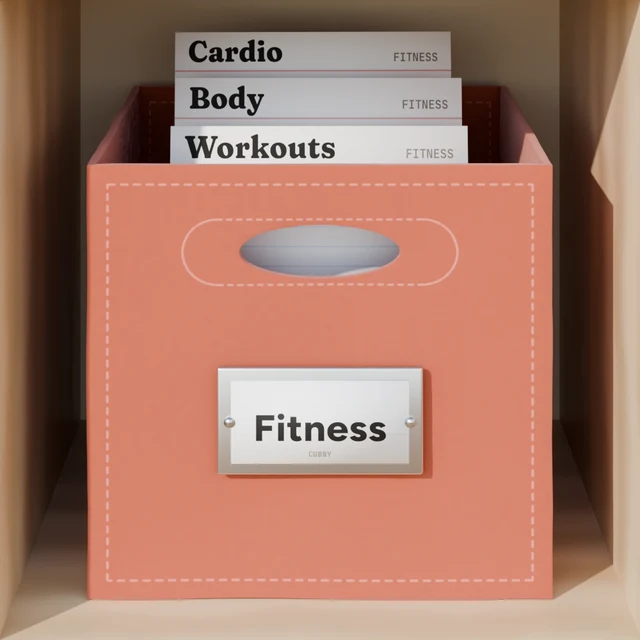
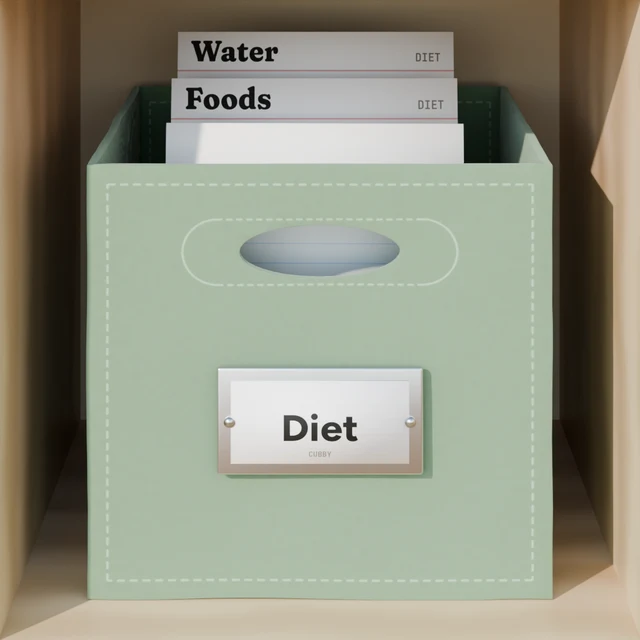
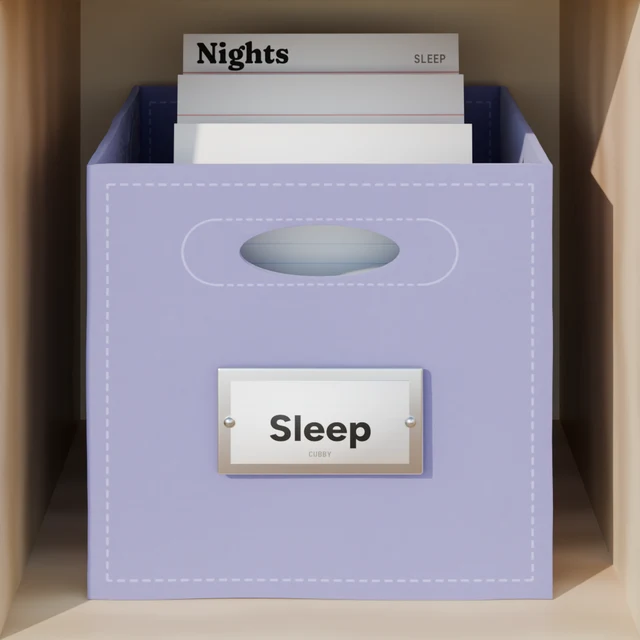
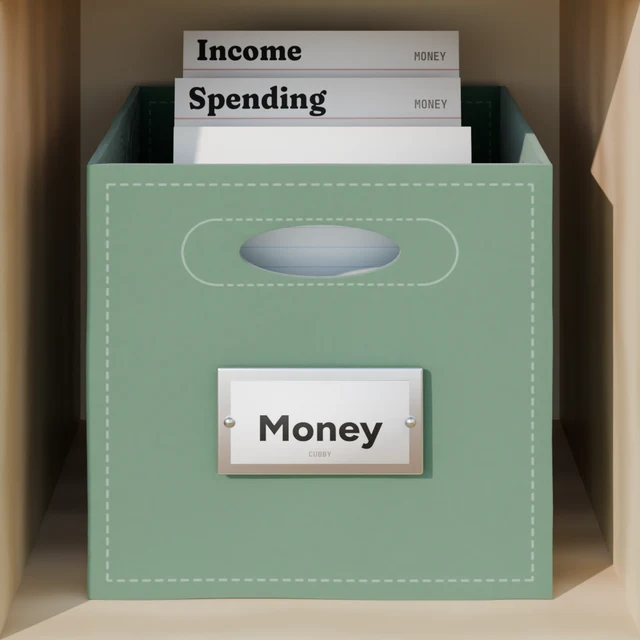
A cubby is one part of your life, like Fitness or Money. Inside are tables with typed columns: kilograms, hours and minutes, your currency. Some columns fill themselves in. Start from one of these, or describe your own. You can rename, add or remove anything later.
Training sessions, body measurements and cardio.
- Weight
weight - Body fat
number · % - Waist
number · cm
- Activity
choice - Distance
distance - Time
duration - Avg heart rate
number · bpm
What you eat, with calories and macros.
- Food
text - Meal
choice - Calories
number · kcal - Protein
number · g - Carbs
number · g - Fat
number · g
- Amount
number · ml
How long and how well you slept.
- Time asleep
duration - Quality
rating - Bedtime
text
What you spend and earn, by category.
- Amount
money - Category
choice - Merchant
text
- Amount
money - Source
choice
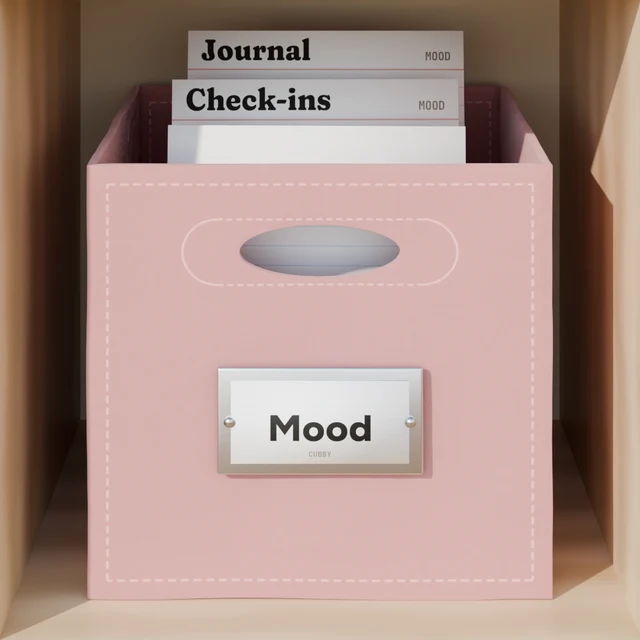
How you’re feeling each day, plus a journal.
- Mood
rating - Energy
rating - Feeling
choice
- Entry
text - Topic
choice
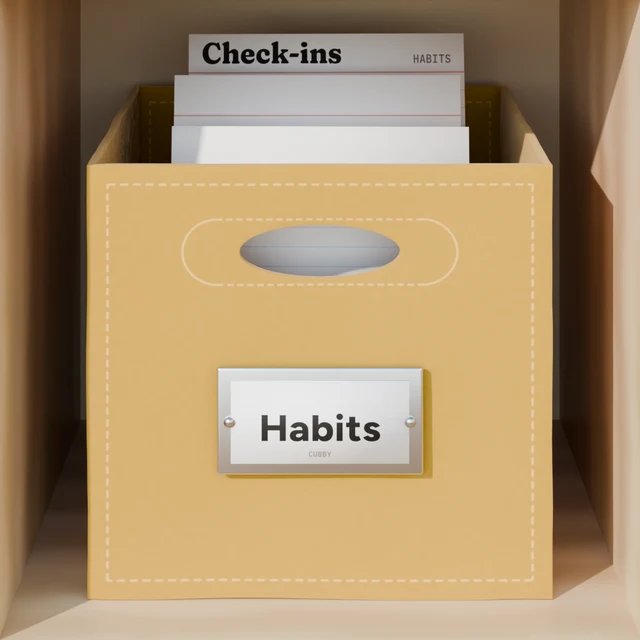
Habits you want to keep up, and your streaks.
- Habit
choice - Done
boolean
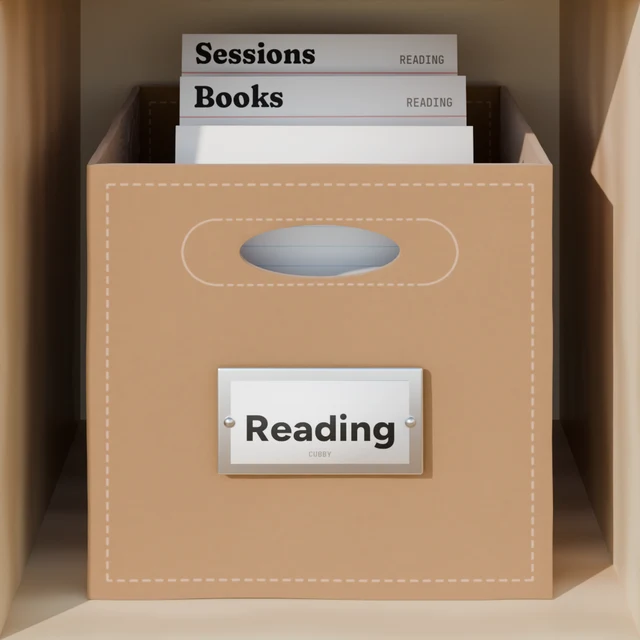
Books you want to read, are reading and have finished.
- Title
text - Author
text - Status
choice - Rating
rating - Pages
number
- Book
choice - Pages
number - Time
duration
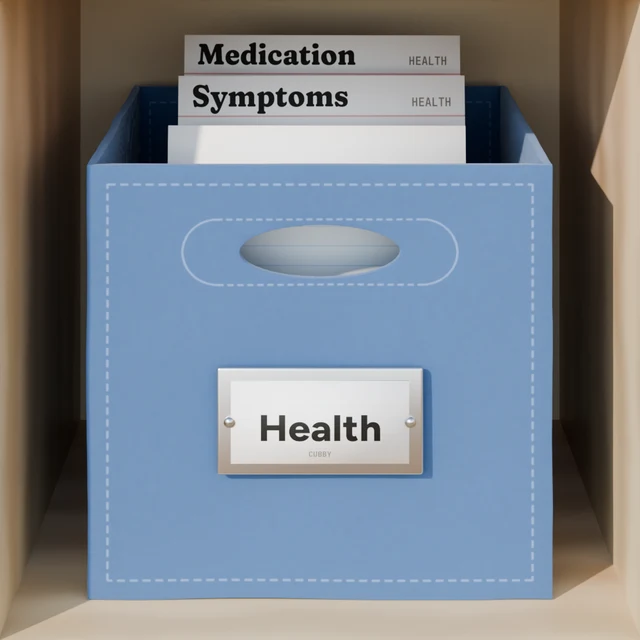
Symptoms and medication.
- Symptom
choice - Severity
rating
- Medication
choice - Dose
text
Hours spent on each project.
- Project
choice - Hours
duration - Billable
boolean - Task
text
+
Your garden, your car, a new baby, guitar practice, gift ideas.
“I want to keep track of my garden: what I planted, when I watered, and what came up.”
Your assistant proposes the tables and columns, checks them with you, and builds them. Every table gets its own dashboard.
Your data
Your house. Your keys.
Every app that connects gets its own key. See which ones have used your data and when, take any key back with one tap, and download everything as JSON whenever you like. Use ChatGPT on your phone and Claude on your laptop: both open the same cubbies.
For developers
Building your own agent?
Your agent can create an account with one API call, no person needed. It gets a claim link to pass on to its user, who can take the account over whenever they’re ready. Read the agent guide
curl -X POST https://mcpcubby.com/api/agents/register
-H "Content-Type: application/json"
-d '{"agent_name": "My agent"}'
api_key · cub_k_••••••••••••
mcp_url · https://mcpcubby.com/mcp
claim_url · https://mcpcubby.com/claim/•••••
Claude
ChatGPT
Cursor
Claude Code
VS Code
Your own agent
Make some room.
Connecting takes about a minute. 15 tools, one address, every assistant you use.